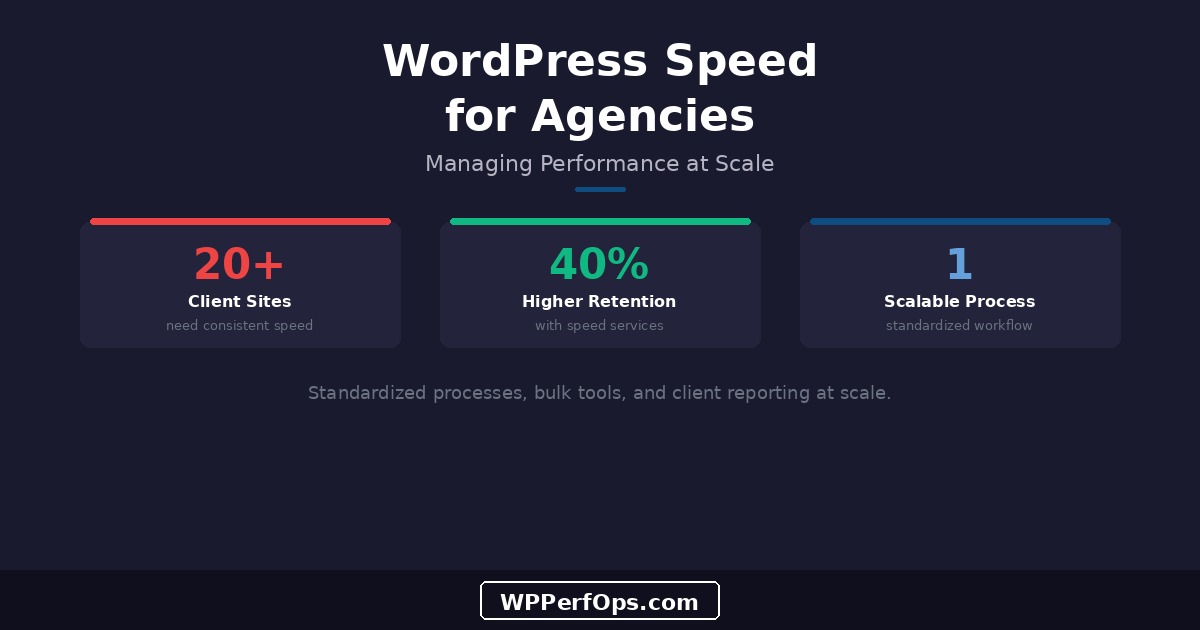
Managing speed optimization for one WordPress site is a technical challenge. Managing it across 20, 50, or 100 client sites is an operational one. Individual site knowledge doesn’t scale — you need systems, standardized processes, and tools that work across your entire portfolio. The agencies that figure this out turn performance into a competitive advantage and a recurring revenue stream. Those that don’t spend their time firefighting slow sites and apologizing to frustrated clients.
This guide is for agency owners, technical leads, and freelance developers who manage multiple WordPress sites. It covers how to build a scalable speed optimization practice — from standardized workflows and hosting strategies to client reporting and knowing when to outsource. If you’re new to WordPress performance fundamentals, start with our Core Web Vitals guide, business case for speed, and 15 speed mistakes guide — then come back here to apply those concepts at scale.
Why Speed Is an Agency Differentiator
Speed is no longer a nice-to-have. Clients see their Core Web Vitals in Google Search Console, they compare their site to competitors, and they understand (at least intuitively) that slow sites lose customers. Agencies that proactively manage performance — instead of waiting for complaints — see measurably better client retention and higher lifetime value.
With Speed Services
40%
higher client retention
Recurring Revenue
$$$
from maintenance retainers
Speed optimization is also one of the few services with objectively measurable results. You can show a client their load time went from 5.2s to 1.8s, their PageSpeed score went from 42 to 94, and their bounce rate dropped 15%. That’s harder to argue with than “we updated your brand voice” or “we refined your content strategy.” Measurable results build trust, justify retainers, and generate referrals.
Standardizing Your Optimization Process
The biggest mistake agencies make with performance is treating every site as a unique problem. When each team member uses different tools, different caching plugins, and different optimization approaches, you can’t predict results, train new hires efficiently, or compare performance across clients.
Start With a Standardized Checklist
Our 33-step speed optimization checklist is designed to be a repeatable framework. Customize it for your agency’s preferred hosting stack, caching plugin, and image optimization tool — then use it as the standard process for every client engagement. New team members follow the checklist. Experienced developers refine it. Everyone produces consistent results.
Key standardization decisions: choose one caching plugin and use it everywhere (we recommend WP Super Cache, LiteSpeed Cache, or WP Rocket depending on hosting). Choose one image optimization service (ShortPixel’s API works well at scale). Choose one hosting infrastructure and understand it deeply rather than managing a dozen different hosts with different quirks.
Hosting Strategy for Multiple Sites
Your hosting architecture is the most impactful decision you’ll make for agency-wide performance. There are two viable approaches.
Managed WordPress hosting (Kinsta, WP Engine, Cloudways) is the lower-maintenance option. Each client gets a managed site with built-in caching, CDN, staging, and automatic backups. You focus on WordPress-level optimization without worrying about server configuration. The tradeoff is cost — at $30-50/site/month, hosting 50 client sites adds up.
VPS with management panels (DigitalOcean/Vultr + GridPane or SpinupWP) gives you more control at lower per-site cost. A $80/month VPS can comfortably host 20-30 WordPress sites with excellent performance. You manage the server stack (Nginx, PHP-FPM, Redis, MySQL) through the panel, giving you the ability to tune configurations across all sites simultaneously. For a deeper look at hosting options, see our hosting for speed guide.
Bulk Optimization Tools
Managing 20+ WordPress sites individually is unsustainable. These tools let you manage updates, monitoring, and maintenance from a single dashboard.
- ManageWP or MainWP — Centralized dashboard for plugin/theme updates, backups, uptime monitoring, and security scanning across all client sites
- ShortPixel API — Bulk image optimization with volume pricing. Process thousands of images across multiple sites from a single account
- WP-CLI scripts — Automate database maintenance, cache flushing, and health checks via cron jobs on your servers
- Query Monitor — Install temporarily on staging environments to audit plugin performance and database query efficiency
Client Reporting and Communication
Clients don’t care about TTFB or render-blocking resources. They care about “is my site fast?” and “is it helping my business?” Your reporting should translate technical metrics into business outcomes.
A monthly speed report should include: current PageSpeed scores (mobile and desktop), Core Web Vitals status (passing or failing), load time trend over the past month, and any optimization work performed. If you have access to analytics, correlate speed improvements with bounce rate and conversion changes — that’s the data that justifies your retainer.
Create a Branded Report Template
Build a one-page speed report template with your agency branding. Include: a green/yellow/red status indicator for overall performance, key metrics with month-over-month trends, and a brief summary of maintenance performed. Clients love seeing numbers improve — and branded reports reinforce that you’re the reason they’re improving. Set expectations that speed is ongoing maintenance, not a one-time fix (see our speed regression guide for why).
Common Agency Anti-Patterns
!
Inconsistent Stacks = Compounding Technical Debt
When every client site uses a different hosting provider, different caching plugin, different image optimizer, and different theme framework, every optimization project is a unique puzzle. Your team can’t build expertise because the stack changes with each client. Troubleshooting takes 3x longer because you’re Googling provider-specific issues instead of drawing on experience. Standardize your stack and you’ll deliver faster results at lower cost.
- Using a different hosting provider and tech stack for every client
- Over-promising speed gains without auditing the site first
- Ignoring performance until the client complains about it
- Not monitoring sites after launch — assuming they’ll stay fast on their own
- Standardize on 1-2 hosting providers you know deeply
- Always audit before quoting — set realistic expectations
- Include a performance review in every site launch checklist
- Set up automated monitoring from day one — catch regressions before clients do
Building Speed Into Your Development Workflow
The cheapest performance fix is the one you don’t need because you built it right the first time. Integrate performance into your development process, not just your maintenance process.
Performance budgets during development. Set a page weight budget (e.g., under 1.5MB total, under 400KB CSS/JS) and check against it during development. Lighthouse CI can run in your deployment pipeline and fail builds that exceed your budget.
Plugin vetting process. Before installing any plugin for a client, check its performance impact on a staging site. Query Monitor shows exactly how many database queries and how much PHP execution time each plugin adds. A plugin that adds 200ms to every page load might not be worth its convenience.
Image guidelines for content teams. Create a simple one-page guide for client content editors: maximum dimensions, required formats, compression requirements. Better yet, enforce these automatically with an image optimization plugin. For details, see our image optimization guide.
Speed testing before client handoff. Run PageSpeed Insights on every key page before marking a project complete. Include the scores in your handoff documentation. This sets a performance baseline and demonstrates that you built a fast site — making future regressions clearly attributable to post-launch changes.
When to Outsource Speed Optimization
Not every performance problem is worth solving in-house. Complex server-level optimization (Nginx tuning, PHP-FPM configuration, MySQL query optimization) requires deep systems expertise that most web development agencies don’t have. Database optimization for WooCommerce stores with millions of rows, hosting migrations for mission-critical e-commerce sites, and diagnosing intermittent performance issues across load-balanced infrastructure — these are specialist problems.
This is where white-label partnerships make sense. You maintain the client relationship, we handle the deep technical work, and the client gets expert-level results. We work with agencies of all sizes — from freelancers who need occasional help with complex optimizations to large agencies who want a white-label speed audit they can offer under their own brand.
If you’re interested in partnering, let’s talk. We also offer referral incentives for agencies who send speed optimization projects our way — see our services page for details.
Scaling Your Speed Practice
Once you have the process standardized and tools in place, speed optimization becomes a scalable service offering.
Tiered offerings. Offer three tiers: a one-time audit (report + recommendations, client implements), a standard optimization package (you implement the recommendations), and a premium ongoing retainer (monthly maintenance + monitoring + priority support). Each tier serves a different budget and commitment level.
Pricing models. One-time audits work well as fixed-price projects ($500-2,000 depending on site complexity). Implementation packages are best quoted after the audit reveals scope. Ongoing retainers ($200-500/month per site) are your recurring revenue engine — and they’re easier to sell when you can show monthly reports with improving metrics.
Team training. Document your optimization playbook. Create internal training on your standardized tools and processes. The more team members who can handle routine optimizations, the more you can scale without the bottleneck of one “speed expert” handling everything.
Keep Learning
Build your team’s expertise with these foundational guides.
Your Team’s Playbook
Speed Optimization Checklist
The 33-step framework your team can follow for every client site — standardized and repeatable.
Ongoing Maintenance
Preventing Speed Regression
Why sites get slow again and the maintenance routine that prevents it — essential for retainer clients.
Sell the Value
How a Slow Site Costs Money
Share this with clients to build the business case for speed optimization investment.
Partner With Us on Speed Optimization
Whether you need white-label speed audits for your clients or want to refer complex optimization projects, we work with agencies of all sizes. Let’s talk about how we can help your clients — and your bottom line.